A menu they can read
Use readable text for dishes, descriptions and current prices rather than relying on a photograph of a printed menu. Our example has menu categories to try. Confirm every item before publication.
For restaurant owners
Diners should be able to find what you serve, when you are open and where to go, before they have to call.
Fictional example. Your business details are approved by you.
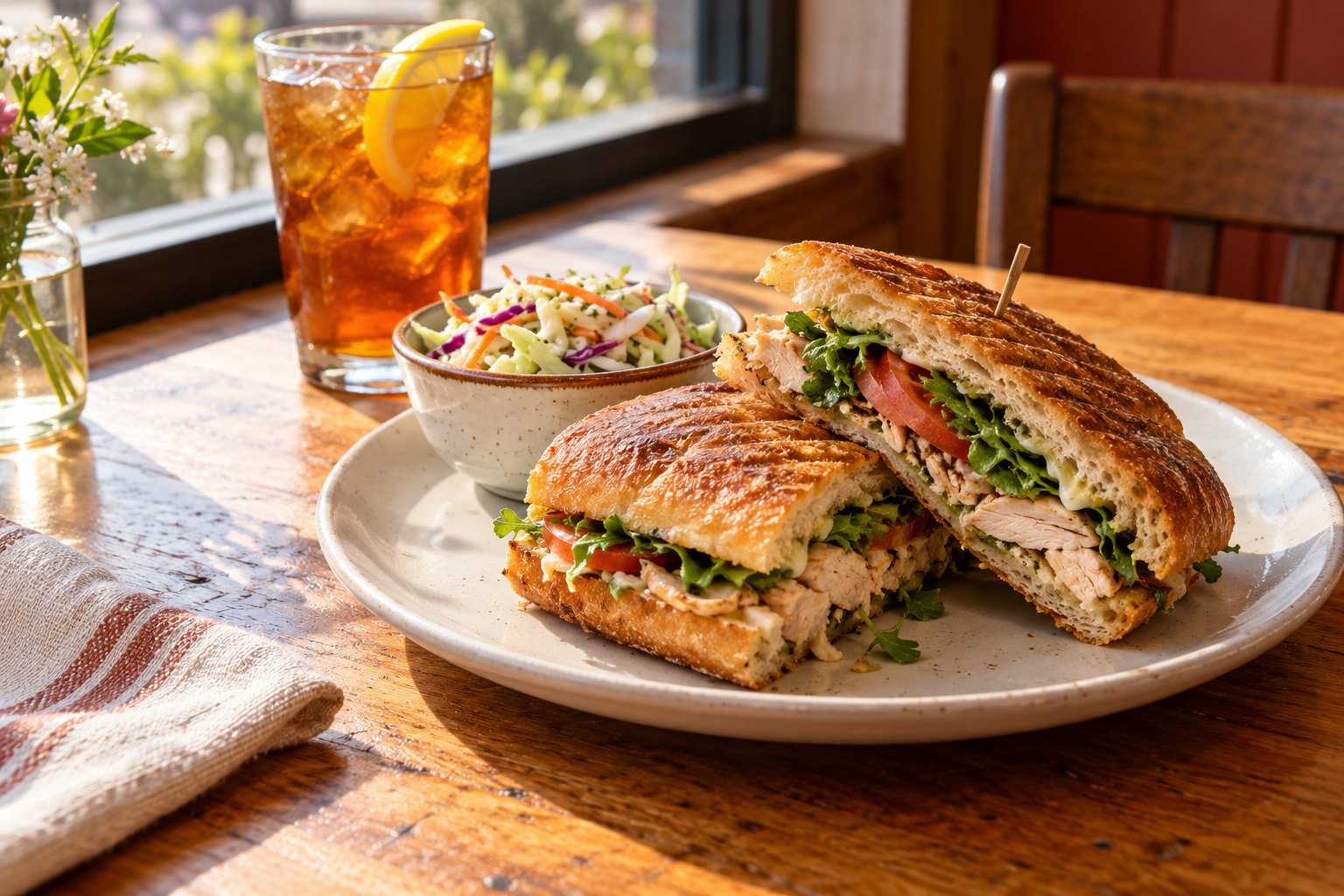
Use readable text for dishes, descriptions and current prices rather than relying on a photograph of a printed menu. Our example has menu categories to try. Confirm every item before publication.
Keep opening hours, public contact details and location information together. Update holiday changes from the editor. Do not publish an address or map point until you have confirmed it.
Show a link to an existing ordering service if that is part of the agreed setup. The standard package is an informational website. It is not a restaurant ordering system, reservation engine or point of sale.
Before you start
You can preview a template before creating an account. Nothing is published until you approve it.
Try the full flow ↗Supported text, photos, logo, hours and contact edits. Preview before publishing. Larger changes are quoted first.
Full package in preparation. No live purchases are accepted.
No. The restaurant example demonstrates a menu. Ordering, delivery, reservations and payment processing need an appropriate provider and a separately agreed integration.
The customer editor supports text and service content changes. A structured menu editor matching the interactive example requires an agreed delivery scope. Review the actual template preview before purchasing.
No. Allergen, dietary and food claims must come from your business and be approved by you. We do not generate them as facts.